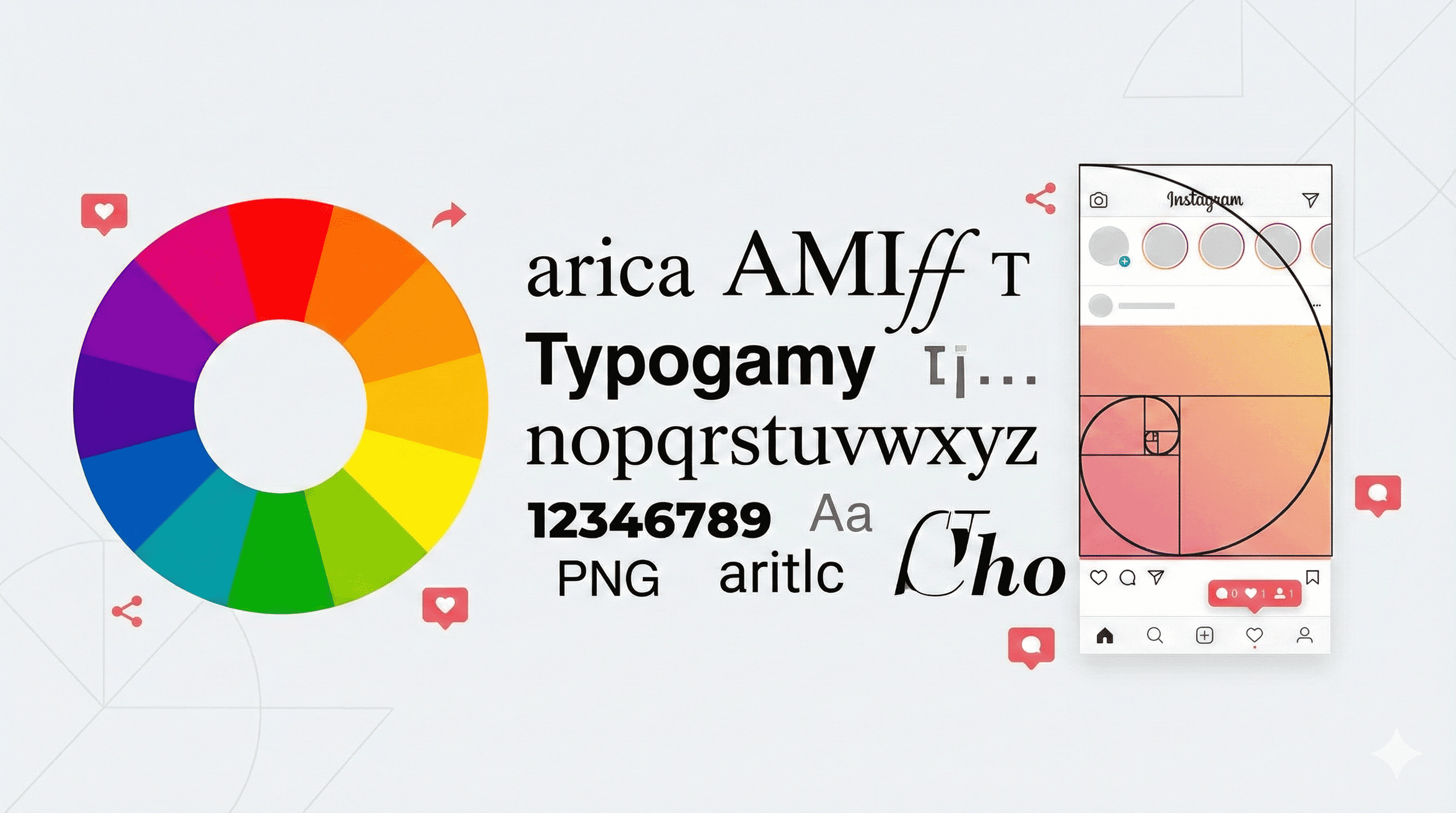
In the attention economy, you have less than a second to make an impression. With millions of posts shared every minute, standing out in the feed is a fierce battle for attention. Why do some posts get thousands of shares while others, with equally good information, get ignored? The answer often lies in design psychology.
Viral posts aren't just lucky; they are engineered. They follow specific visual principles that trigger the brain to stop scrolling and pay attention. Whether you are a brand, an influencer, or a casual creator, mastering these design principles can dramatically increase your engagement and reach. This guide goes beyond basic aesthetics to explore the neuroscience of visual perception and how you can leverage it to stop the scroll.
1. High Contrast Typography: The Art of Readability
The first rule of viral design is legibility. If your audience has to squint to read your message, they've already scrolled past. High-contrast typography ensures your message is processed instantly by the brain.
Think of the most popular quote cards or Twitter screenshots on Instagram. They almost always feature black text on white backgrounds or white text on dark backgrounds. This isn't a stylistic choice; it's a biological one. Our eyes are drawn to contrast. When designing your posts, avoid subtle color combinations like grey on white or blue on green. Go bold. Use heavy, sans-serif fonts that command authority and are easy to read on small mobile screens.
Actionable Tip: Use the "squint test." Squint your eyes at your design. Can you still read the headline? If not, increase the contrast or font weight. Also, ensure your line height (leading) is sufficient to prevent text from looking cramped. Good typography breathes.
2. The Rule of Thirds and Visual Flow
Composition matters. A common mistake is centering every single element, which can make a design feel static and boring. The Rule of Thirds is a classic photography principle that applies perfectly to social media graphics.
Imagine a grid dividing your image into nine equal parts. Placing your key subject or text along these lines or at their intersections creates more tension, energy, and interest than simply centering the subject. It guides the viewer's eye through the image naturally, creating a "visual flow" that feels satisfying to the brain.
Visual Hierarchy: Beyond the rule of thirds, establish a clear visual hierarchy. Your most important element (usually the headline or hook) should be the largest and most dominant. Secondary information should be smaller. This tells the viewer's eye exactly where to look first, second, and third, reducing cognitive load and making your content easier to consume.
3. Emotional Color Palettes
Colors are not just decoration; they are a language. Different colors evoke specific physiological and psychological responses. Viral posts often leverage these associations to trigger an immediate emotional reaction.
- Red: Creates urgency, excitement, and appetite. It's the color of notifications and stop signs. Use it to grab attention quickly or for time-sensitive offers.
- Blue: Builds trust, calm, and security. It's often used by tech and finance brands to establish credibility. Deep blues signal authority, while lighter blues feel friendly and open.
- Yellow: Sparks happiness, optimism, and energy. It's the most visible color from a distance and is great for highlighting key information or disrupting a feed full of cool tones.
- Purple: Associated with luxury, creativity, and wisdom. Brands like PostLab AI use purple to signal innovation and premium quality. It balances the stimulation of red with the calm of blue.
- Green: Represents growth, health, and money. It is the easiest color for the eye to process and creates a sense of balance.
Choose a palette that aligns with the feeling of your content. If you're sharing a serious tip, use grounded, professional colors. If you're sharing a meme or a hot take, use bright, high-energy colors. Consistency in your color palette also helps build brand recognition in the feed.
4. Minimal Clutter: The Power of Negative Space
Cognitive load is real. When a user sees a cluttered, busy image, their brain has to work harder to process it. In the fast-paced environment of social media, "hard to process" equals "ignored."
Less is almost always more. Viral designs often embrace negative space (empty space) to let the key elements breathe. Don't be afraid of empty backgrounds. They focus the eye exactly where you want it. Strip away unnecessary decorations, borders, or textures that don't add value to the core message. If an element doesn't serve a purpose, delete it.
The 3-Second Rule: A user should be able to understand the core message of your graphic within 3 seconds. If they have to search for the point, you've lost them. Minimalism aids this rapid comprehension.
5. Clear Call-to-Action (CTA) Design
Viral posts often tell people exactly what to do. But a CTA isn't just about the words you use; it's about how you design them. A visual CTA increases conversion rates significantly.
Don't just write "Link in bio" in the caption. Include a visual element in the graphic itself—like a button graphic, an arrow, or a "swipe left" icon—that prompts the action. Visual cues are processed faster than text. If you want people to save the post, include a "Save" icon in the corner of your design. If you want them to share, use an arrow pointing to the share button location.
Interactive Elements: Design elements that encourage interaction, such as a "double tap" target or a question that prompts a comment, can boost algorithmic engagement. The design should guide the user's behavior.
6. Consistency vs. Novelty
While establishing a consistent brand style is important, "ad blindness" can set in if your posts always look exactly the same. Viral growth often comes from disrupting patterns. Occasionally breaking your own design rules can shock the audience into paying attention.
Try introducing a new layout, a different color accent, or a new font style for special posts. This balance of familiarity (branding) and novelty (pattern interruption) keeps your audience engaged over the long term.
7. Accessibility is Design
Designing for accessibility isn't just the right thing to do; it expands your reach. Ensure your text has sufficient contrast against the background. Avoid putting crucial text at the very bottom or top of the image where Instagram's UI overlays might cover it. Use alt text for all your images.
accessible design is good design. Clear, high-contrast, easy-to-read content benefits everyone, not just those with visual impairments. It makes your content more consumable in bright sunlight, in dark mode, and on small screens.
Conclusion
Great design is not about making things look "pretty." It's about communication. It's about removing friction between your message and your audience's brain. By applying these principles—contrast, composition, color psychology, minimalism, clear direction, and accessibility—you stop relying on luck and start relying on science. Your content deserves to be seen. Make sure your design isn't standing in the way.
Share this article
Spread the knowledge to your network